Your invoice covers all the services you subscribe to. Your invoice has detailed sections, making it easy to see the fees applied for each of your Business services.
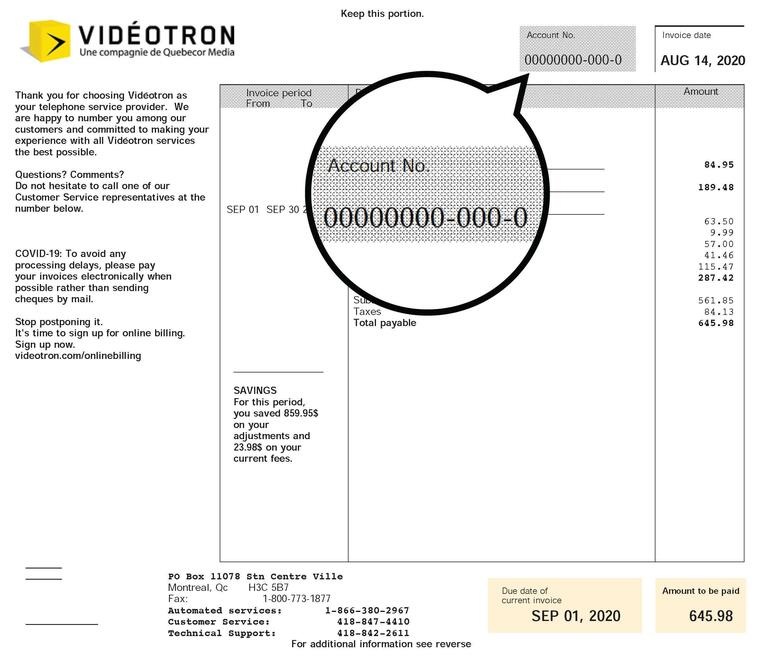
Account number
Find your account number: it’s located in the top-right corner of your invoice. You’ll need it to sign up for the Business Customer Centre and to use our online services.
You can also use it to identify yourself when speaking to Customer Service or Technical Support.
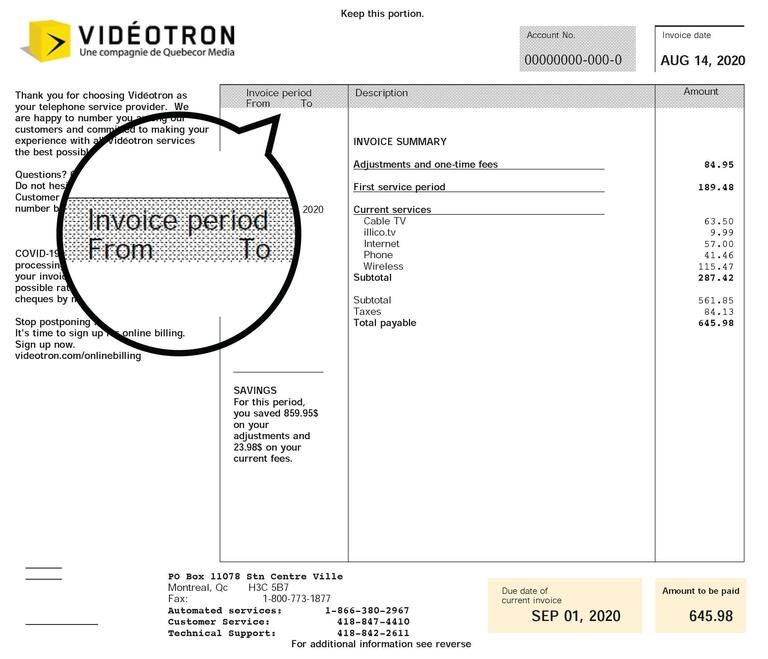
Billing cycle
Refers to the period for which you are being billed.
My first invoice
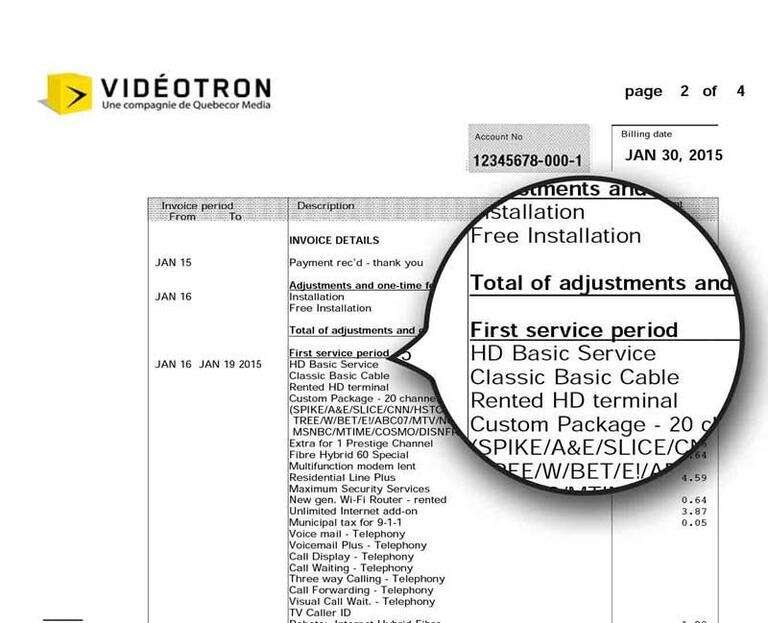
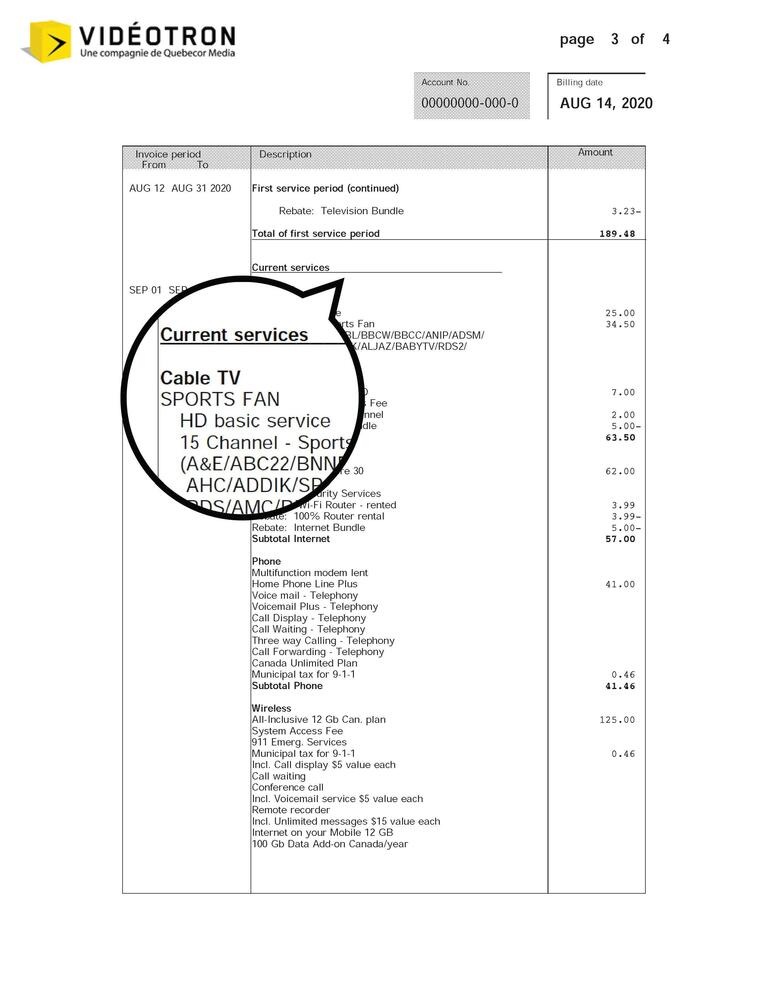
As mentioned when you subscribed to Videotron, your first invoice exceptionally covers the first two months of service: your first month (first service cycle) and your upcoming month (current services).
Good to know
Invoice details
This section may include, among other things, installation fees and associated credits, as well as equipment fees and applicable discounts.
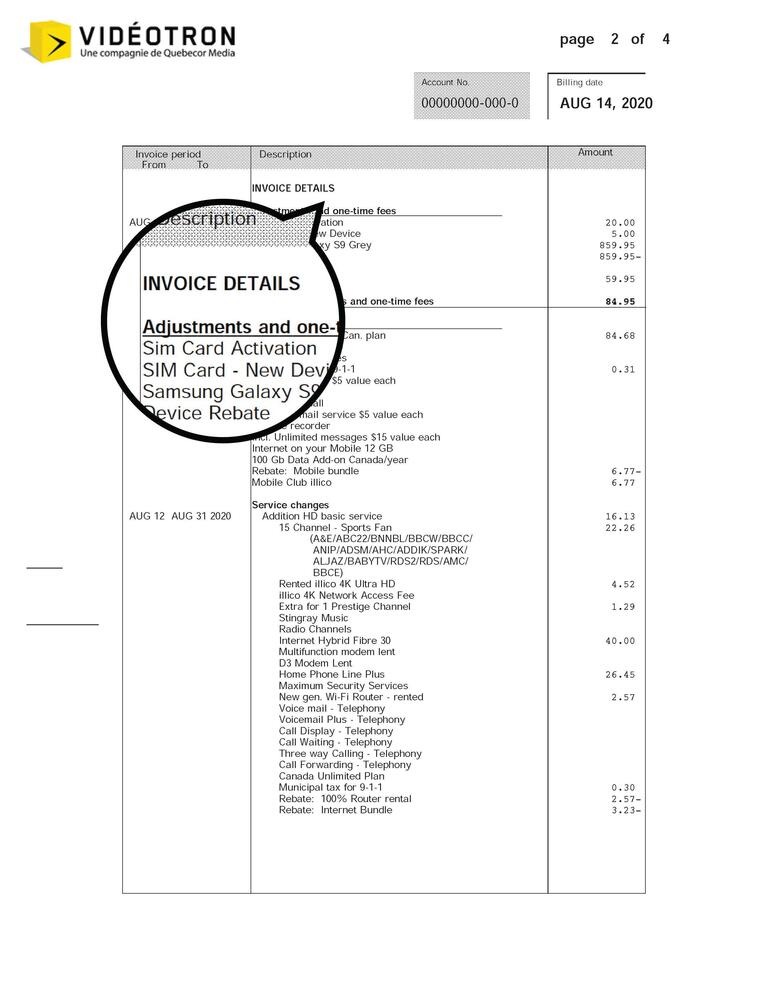
You will also see any additions, removals, or modifications made to your services during the billing cycle.
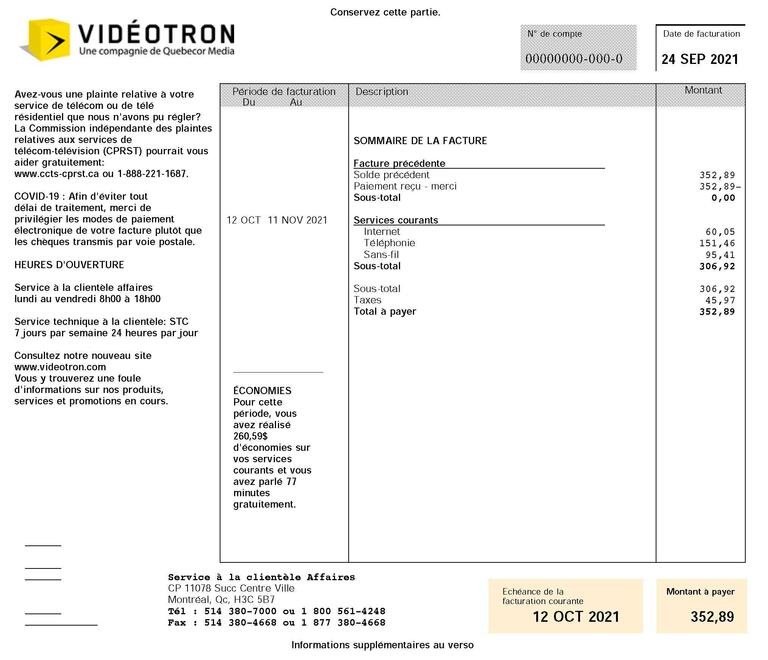
Starting from the day you make a change to a service, the former service will be credited for the unused period and the new service will be billed for the number of days left before the end of your billing cycle. You’ll therefore see a prorated adjustment of the total cost of the service.
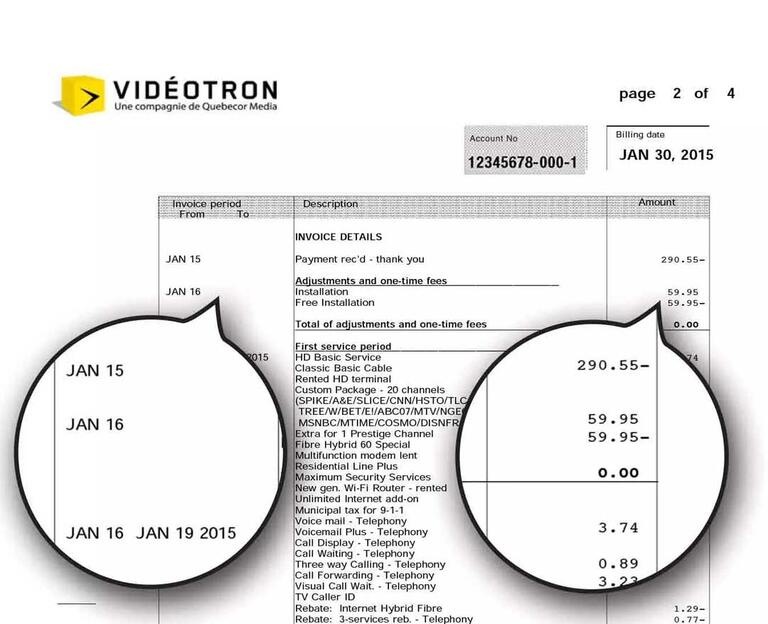
Understanding your pro-rated invoice
When you make a change to your selection of services throughout the course of a billing cycle, your monthly plan will be adjusted on a pro-rated basis for the number of days remaining until the next billing cycle.
This means you will only pay for the period during which you have used the services.
So, if you add a service halfway through your billing cycle, you will be billed for half the current monthly cost of the service and for the following month.
Example of adding a service in the middle of a billing cycle:
Your billing cycle runs from July 1 to July 31. On July 16, you subscribe to a $60 Mobile service. Your next invoice will show $30 for the month of July (the period of July 16-30) and $60 for the month of August.
Example of adding a Data Add-on in the middle of a billing cycle:
Your billing date is on the 20th of each month and you add a $15 fixed 500 MB Data Add-on on June 13. You will have 117 MB until June 19 and you will be billed $3.50 for 7 days of use (excluding overage fees if applicable and advance payment for the next month).
For more information about your invoice, please call Customer Service.
Pay-per-use services
This section contains the costs of pay-per-use services (costs incurred during the billing cycle), e.g., Video On Demand, on-demand TV, or any usage not included in your plan.
Learn more about overage and unusual fees.
Need more help?

Customer Service
For any questions about your account or invoice, or to modify or add services.
 1 877 512-8590
