View my balance and credits
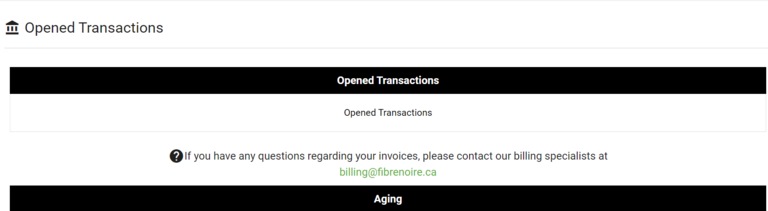
You can view your open transactions in the Invoicing section of the portal:
- Date the invoice appeared in the customer account
- Payment due date
- Invoice number and download option
- Amount remaining to be paid by invoice
- Total amount to be paid with the addition of the age of accounts
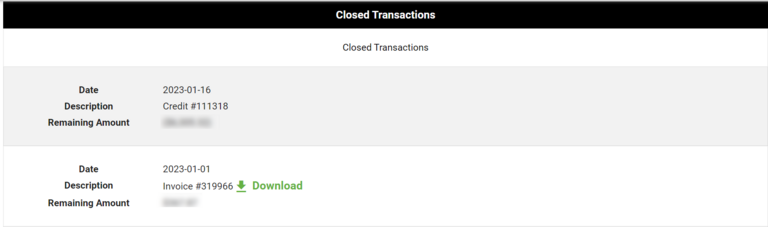
It is also possible to view your closed transactions:
- History of invoices, credits, and payments
- Date payment was made
- Invoice number and download option
- Amount paid by invoice
Download invoices
In the Invoicing section of the portal. Locate the desired invoice in the list and click Download
Need more help? Contact fibrenoire Technical Support
By phone, at 1 877 907-3002 x 2 or open a ticket at fibrenoire.io