Access the Aruba Central portal
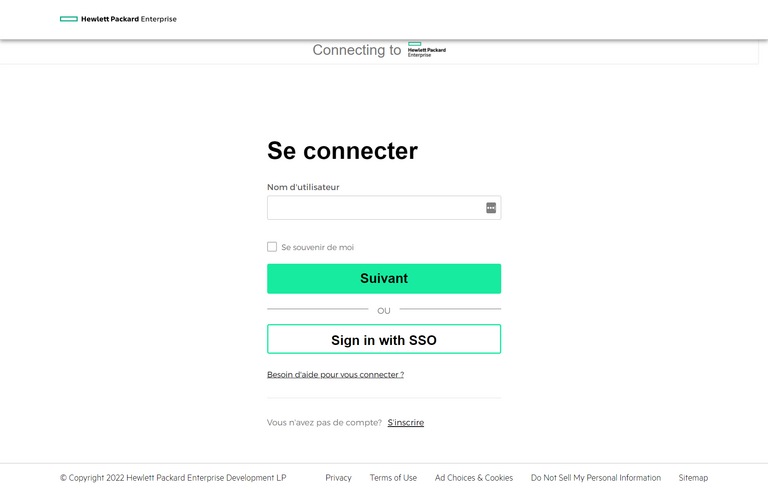
1. Access the portal via the following link: https://common.cloud.hpe.com/
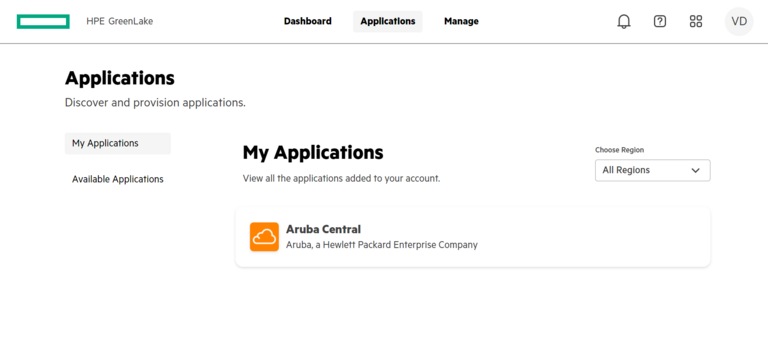
2. Go to the Applications menu and select Aruba Central
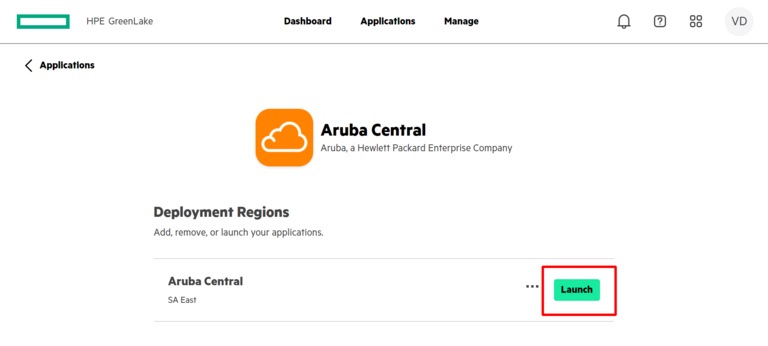
3. Click on Launch to start the app
Reset my password to access the Aruba Central portal
1. Access the portal via the following link: https://common.cloud.hpe.com/
2. Click on Need Help? then on Forgot Password?
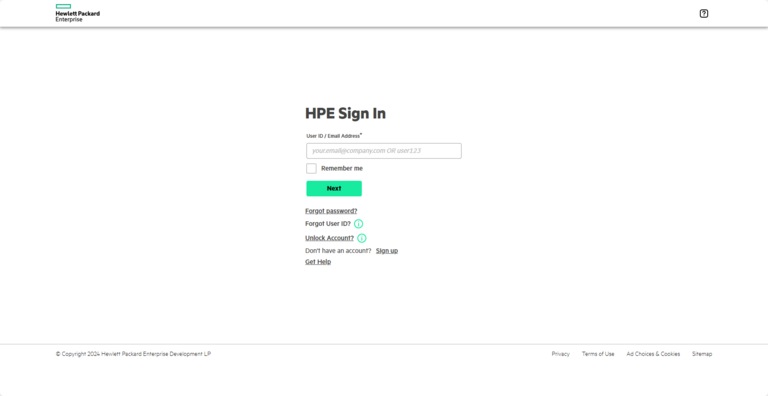
3. Enter your email address, then click Reset via Email. Within a few minutes, you will receive an email to reset your password.
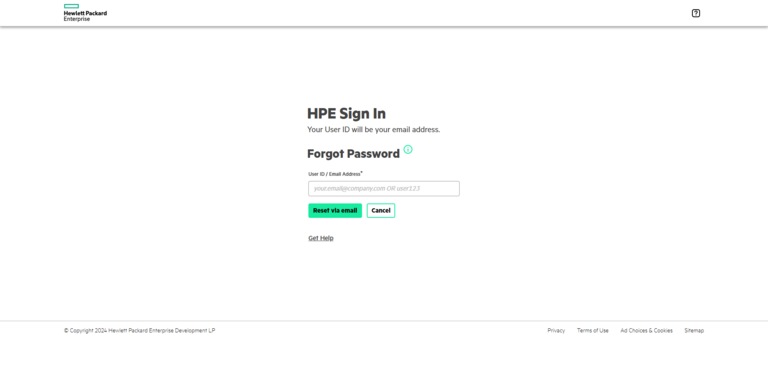
4. Enter your new password, then click Reset Password to confirm your password modification.
Would you like to take advantage of advanced Wi-Fi functionalities?
Opt for evolved Wi-Fi across your business. Lean more about Wi-Fi Pro
Still need help?

Customer Service
For any questions about your account or invoice, or to modify or add services.
 1 877 512-8590
