
Ask the Community
Any specific questions? Ask it on our forum and see how experts or other users have solved a similar problem.
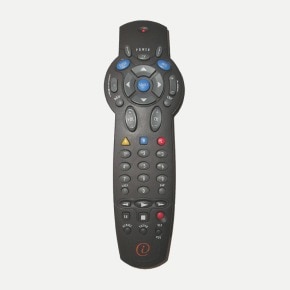
This allows you to manually program a device according to the brand. To identify the codes for your device, see the list of codes.
This allows you to configure the remote to control the volume of the TV.
For better audio quality, change the Audio: Volume Ctrl option to Fixed in the terminal settings.
This allows you to find a compatible programming code for your device from the list of codes in the remote control.
This allows you to find a compatible programming code for your device from the list of codes in the remote control.
Any specific questions? Ask it on our forum and see how experts or other users have solved a similar problem.

Enjoy fast, real-time service, from your computer or mobile device.

Come see us in one of our 121 stores and enjoy a unique customer experience.