
Ask the Community
Any specific questions? Ask it on our forum and see how experts or other users have solved a similar problem.
Learn how to easily install your Mobile Internet Key using the Quick Start Guide.
Your computer might ask if you want to install a different version of the application. If so, click on Yes.
Your Mac will ask you for your password in order to make the appropriate changes. Enter your username and password, then click on OK.
Once the changes have been made, your computer will recognize the Mobile LTE Key and your browser will open to the following page, indicating that you are now connected to the Videotron network.
The automatic installation of the Connection Manager, which comes with the Huawei E372 and E1831 Mobile Internet Keys, requires a few extra steps with computers operating on Windows 8.
Note that manual installation of the Connection Manager follows the same procedure as for Windows 8.
Find out how to use Mobile Wi-Fi and how to insert a SIM card using the User Guide.
Your password appears on the sticker under the cover on the back of the device. It consists of an eight-digit number by default.
Videotron’s Mobile Internet service automatically operates on the Videotron network and on that of its partners in most of Québec and in the Ottawa region.
If you wish to use the service outside the area covered by this network, please contact Customer Service to activate this option.
Make sure you are within a Videotron coverage zone and check your signal reception. Several factors can affect the quality of your Internet signal.
Find out how to track your Internet usage in order to easily manage your data usage.
The Mobile Internet Key can be used for several compatible computers. Total usage will be deducted from the data included in your monthly plan.
Yes, a Micro SD card can be added. This optional accessory is not included with your device. Micro SD cards up to 32 GB are supported.
Any specific questions? Ask it on our forum and see how experts or other users have solved a similar problem.

Enjoy fast, real-time service, from your computer or mobile device.
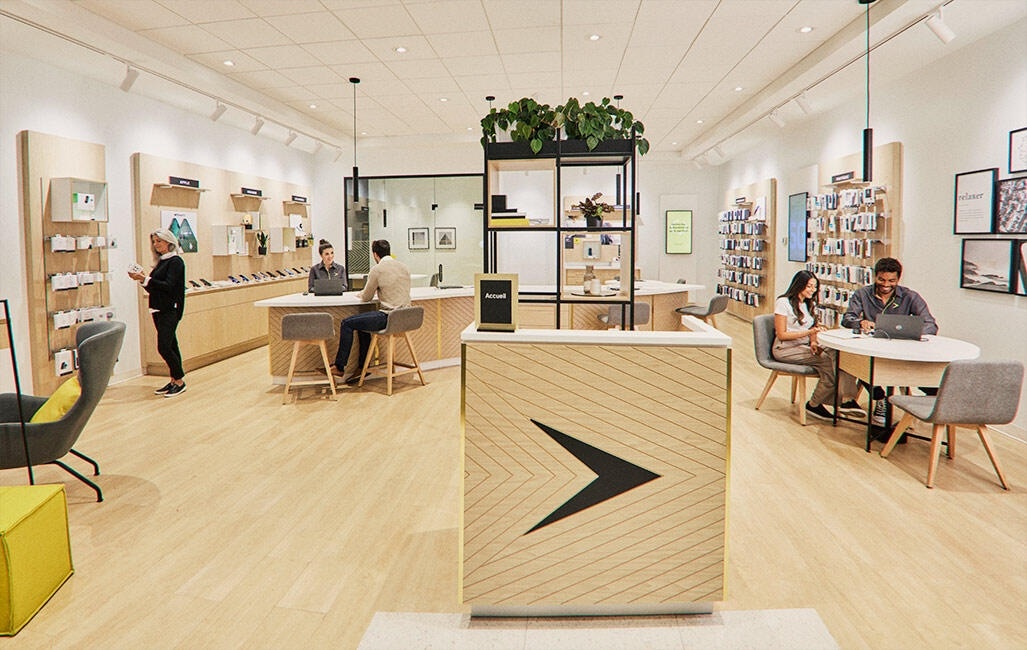
Come see us in one of our 121 stores and enjoy a unique customer experience.